
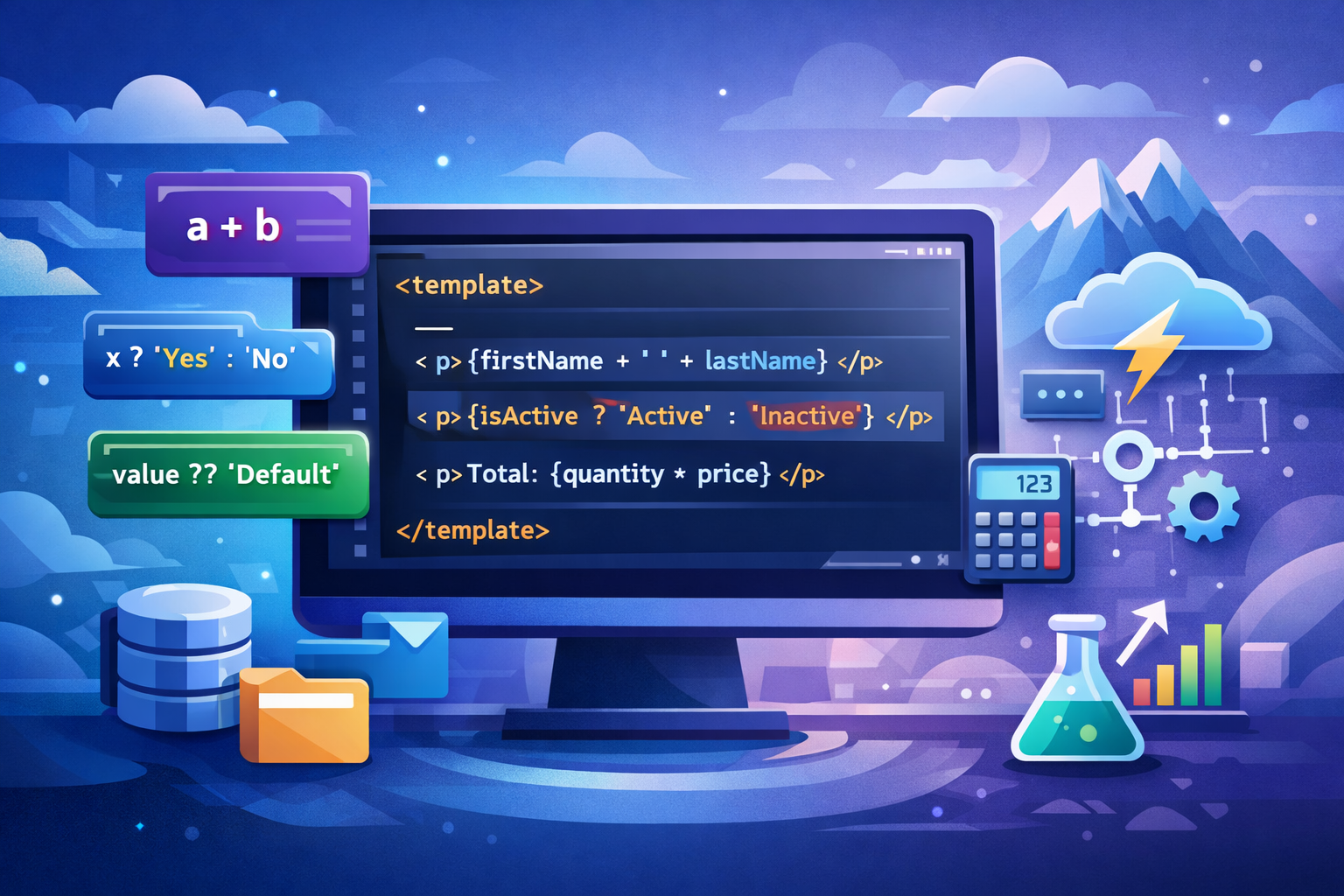
The Spring ’26 release brings a powerful improvement to Lightning Web Components(LWC): Complex Template Expressions. This new feature lets developers write simple logic directly inside HTML templates — something that wasn’t possible before.
If you build Lightning Web Components, this update can make your code shorter, cleaner, and easier to maintain.
What Are Complex Template Expressions?
Before Spring ’26, LWC templates only allowed simple property references like:
<p>{fullName}</p>If you needed logic — like combining fields, doing math, or adding conditions — you had to create a JavaScript getter in your .js file.
Now, with Complex Template Expressions, you can write certain expressions directly inside the template.
✅ You can now do things like:
<template>
  <p>{firstName + ' ' + lastName}</p>
  <p>{isActive ? 'Active' : 'Inactive'}</p>
  <p>Total: {quantity * price}</p>
</template>
No extra getters. No jumping between files. Just clear, inline logic.
Why This Is a Big Deal for LWC Developers
1️⃣ Less JavaScript Boilerplate
You no longer need small, single-use getters just to format text or perform basic calculations. This keeps your JavaScript files focused on real business logic.
2️⃣ Cleaner, More Readable Templates
Instead of hunting through the .js file to understand what a getter does, you can now see simple UI logic directly where it’s used — inside the HTML.
3️⃣ Faster Development
Building small UI tweaks becomes much quicker. Need to show a label based on a condition? One line in the template and you’re done.
When You Shouldn’t Use Complex Expressions
This feature is meant for simple UI logic, not heavy processing.
❌ Avoid:
- Long or complicated calculations
- Business rules
- Data transformations are used in multiple places
For those, stick with JavaScript getters or helper methods. Keep templates readable — not crowded.
How to Enable Complex Template Expressions
This feature is available starting with API version 66.0 in Spring ’26 and is currently in beta. That means it may evolve, so use it thoughtfully in production projects.
Make sure your component’s configuration file includes:
<apiVersion>66.0</apiVersion>Best Practices
✔ Use for small formatting and display logic
✔ Keep expressions short and readable
✔ Move complex logic back to JavaScript
✔ Review templates for clarity during code reviews
Think of this feature as a developer experience upgrade, not a replacement for proper component architecture.
Final Thoughts
Complex Template Expressions in LWC make templates more powerful and reduce unnecessary JavaScript code. It’s a small change with a big impact on daily development.
If you work with Salesforce Lightning Web Components, this Spring ’26 feature is definitely worth trying in your next project. Just remember: keep it simple, keep it readable, and let your templates do what they do best — display UI cleanly.