
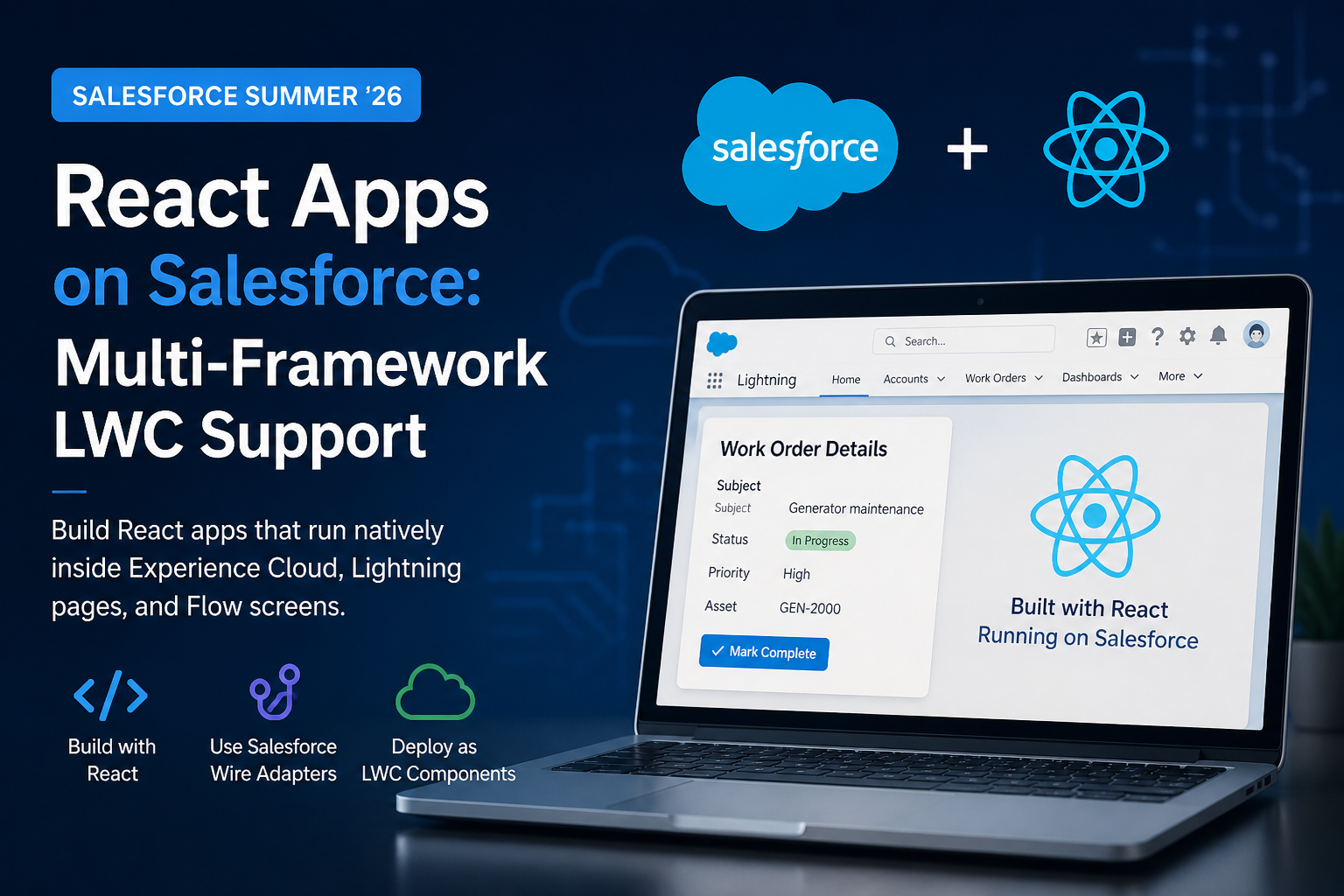
For years, the answer to “can I use React on Salesforce?” has been a qualified “sort of” — you could embed it via a Visualforce page or static resource, but nothing felt truly first-class. Lightning Web Components (LWC) and Aura have been the only supported frameworks for building components with proper platform integration.
That changes with Salesforce Multi-Framework, a framework-agnostic runtime on the Agentforce 360 Platform that lets you build native Salesforce apps in React (with more frameworks to follow). It’s now in open beta for scratch orgs and sandboxes — production deployment is not yet supported. React apps run natively on the platform with built-in authentication, security, and governance, and can pull live data using GraphQL, Apex, and the UI API.
This is one of the most significant frontend shifts Salesforce has shipped in years. Here’s what’s actually in the box, what isn’t, and how to get started.
How Salesforce Multi-Framework Actually Works
The Architecture: UI Bundles, not LWC Wrappers
Multi-Framework does not wrap React components inside individual LWC modules or bridge React’s lifecycle into LWC’s. It introduces a new metadata type called a UI Bundle — essentially a built React app, deployed to Salesforce as a unit, that runs alongside LWC on the platform. Multi-Framework runs in parallel with LWC, not on top of it.
The runtime gives your React app:
- Authentication and session handling via the Multi-Framework SDK (no manual token management)
- Data access through GraphQL queries, Apex method invocations, and UI APIs
- The same security and governance model Salesforce admins already know
- Standard React tooling — Vite, Vitest, npm, React DevTools, hot module reload during local development
What you do not get in beta: Lightning App Builder drag-and-drop placement for React components, deployment to production orgs, or full parity with every platform API. Micro-frontend support for embedding React components directly into Lightning pages is on a separate track — currently in closed pilot for Spring ’27.
Prerequisites
Before you start, install:
- Salesforce CLI v2.130.7 or later (this version includes the UI Bundle plugin — check with
sf --version, update withsf update) - Node.js v22 or later and npm (the official recipes repo requires v22+; the announcement blog cites v18+ as the floor, so v22+ keeps you compatible with both)
- A scratch org or sandbox in English (production orgs are not supported during beta)
Generating Your First React App
The fastest path is the new React project template, available either through the Agentforce Vibes welcome screen (click the React App tile, then Internal App) or via the CLI:
sf template generate ui-bundleThis generates a starter React app at force-app/main/default/uiBundles/, preconfigured with:
- Salesforce Multi-Framework SDK (
@salesforce/sdk-data) for accessing Salesforce APIs and services - Vite for bundling
- Vitest for testing
- shadcn/ui for components
- Tailwind CSS for styling
Yes — Tailwind, not SLDS. Multi-Framework apps bring their own styling stack. SLDS is still the right choice when you’re writing LWC.
Running the App Locally
The generated project is a standard React app. Install dependencies and start the dev server:
cd force-app/main/default/uiBundles/myreactapp
npm install
npm run devThen open http://localhost:5173. You get hot reload, React DevTools, and the full local development experience React engineers expect.
Deploying to Salesforce
When you’re ready to push to your scratch org or sandbox, build the app and deploy:
npm run build
sf project deploy start --source-dir force-app/main/default/uiBundles/myreactappOnce deployed, search for your app name (e.g. “myreactapp”) in the App Launcher. The label is editable in the app’s metadata XML file. You now have a React app hosted on Salesforce with platform-managed authentication, security, and governance.
Accessing Salesforce Data from React
The @salesforce/sdk-data package provides hooks for querying records via GraphQL and invoking Apex methods. Authentication is handled automatically by the createDataSDK() utility — no token plumbing in your application code. The SDK also exposes a fetch() method for calling Apex directly when you need server-side logic beyond standard CRUD.
For the full API reference, see the Multi-Framework Beta Documentation. The Salesforce Multi-Framework Recipes repo on GitHub includes 20+ working code samples covering data access patterns, GraphQL code generation, Apex invocation, and more.
Note on data access: Multi-Framework apps do not consume LWC
@wireadapters. Wire adapters and Lightning Data Service stay on the LWC side of the house. React apps get GraphQL, Apex, and UI API instead — different mechanism, similar capability.
Real-World Use Cases
1. Sharing Components Across Salesforce and Non-Salesforce Surfaces
If your team maintains React components used in both a Salesforce app and a non-Salesforce surface (a marketing site, a partner portal, a mobile companion app), Multi-Framework lets the same components run natively in both places. Previously, sharing meant maintaining parallel LWC and React versions.
2. Leveraging the React Ecosystem
The React ecosystem has mature solutions Salesforce has historically lacked first-class equivalents for: rich data grids (AG Grid, TanStack Table), date range pickers, drag-and-drop interfaces, advanced charting (Recharts, Victory), animation libraries, and component systems like shadcn/ui, MUI, and Ant Design. Multi-Framework lets you bring these in without static-resource gymnastics.
3. Cross-Skill Team Development
When a Salesforce project includes dedicated React engineers without deep LWC expertise, Multi-Framework lets them contribute productively from day one. They build and test components using standard React tooling, then deploy as a UI Bundle. Existing LWC continues to work — Multi-Framework runs alongside it.
4. Vibe Coding with Agentforce Vibes 2.0
Agentforce Vibes 2.0 generates Multi-Framework React apps from natural language prompts. Describe what you need — “a dashboard showing open Opportunities by stage” — and Vibes produces the React code, GraphQL queries, and Salesforce metadata. It ships with React and Apex templates, the Salesforce MCP server for IDE-native metadata operations, live preview, and the Einstein Trust Layer.
React vs LWC: When to Choose Which
Salesforce’s own framing is that Multi-Framework doesn’t replace LWC — it runs alongside it. The official comparison:
| Capability | React (Multi-Framework) | Lightning Web Components |
|---|---|---|
| Data access | GraphQL, Apex, UI API | @wire, Lightning Data Service with built-in caching |
| Component library | Bring your own (shadcn, MUI, Ant Design) or Vibes-generated | Salesforce Base Components (80+) |
| Styling | Tailwind, CSS Modules, CSS-in-JS | SLDS tokens and classes |
| App Builder support | Not yet (planned for GA) | Full drag-and-drop with property panels |
| Cross-platform reuse | Share across Salesforce and non-Salesforce | Salesforce-only (LWR sites, Experience Cloud) |
| Ecosystem tooling | npm, Vite, Vitest, React DevTools | Salesforce CLI, LWC Local Dev |
Choose React when you need to share components beyond Salesforce, want to tap into the broader ecosystem, or want to onboard a React team quickly.
Choose LWC when you want declarative @wire-based data access, the Base Components library, drag-and-drop App Builder placement, or full production deployment today.
Best Practices and Caveats
Beta is scratch orgs and sandboxes only. Production deployment is not supported during the beta. Plan accordingly — this is for evaluation, prototyping, and internal tools, not for shipping to customers yet.
App Builder placement isn’t available yet. Drag-and-drop placement of React components on Lightning pages is planned for GA. In beta, your React app surfaces as its own app in the App Launcher.
Bundle size still matters. React adds weight. Use tree shaking, code splitting, and avoid bundling large libraries unless they earn their keep.
Test in a Salesforce context, not just locally. Your local dev server doesn’t mirror the platform’s authentication, CSP, or governance behavior. Always validate the deployed experience.
Don’t reach for @wire. It’s not how React apps consume data here. Use the SDK’s GraphQL hooks and Apex fetch() instead. The mental model is closer to a regular React app talking to an API than to an LWC consuming a wire adapter.
English-only during beta. The current beta runs only in scratch orgs and sandboxes that use English as the default language.
File issues and feedback. This is one of the most-requested capabilities in the Salesforce developer community, and the team has explicitly asked for beta feedback to shape the GA shape. The Multi-Framework Recipes repo is a good place to file issues against working code samples.
Conclusion: A Genuinely Larger Salesforce Frontend Ecosystem
Salesforce Multi-Framework is a real inflection point for the platform’s frontend story. React apps on Salesforce are now first-class platform citizens — not embedded iframes, not static resources, not Visualforce wrappers. They’re built with standard React tooling, deployed via SFDX, and authenticated and governed by the platform.
The beta has real constraints — no production, no App Builder placement, English-only — but the core capability is here, working, and shipping with a 20+ recipe sample repo. If you’ve ever wanted to bring a React team onto a Salesforce project, share components across Salesforce and a marketing site, or use a React library Salesforce never had a first-class answer for, spin up a scratch org and try it.
Resources:
- Multi-Framework Beta Documentation — Setup, API reference, known limitations